
App Deep Dives
How Recime Works: Recipe Import, Social Saving & OCR Explained
Recime's core trick is impressive: point it at a TikTok, a food blog, or a screenshot of a handwritten recipe, and it turns all of them into a structured recipe with a proper ingredient list and steps. This article explains exactly how that works — URL parsing, oEmbed APIs, screenshot OCR, the iOS share extension, and where the approach runs into its limits.
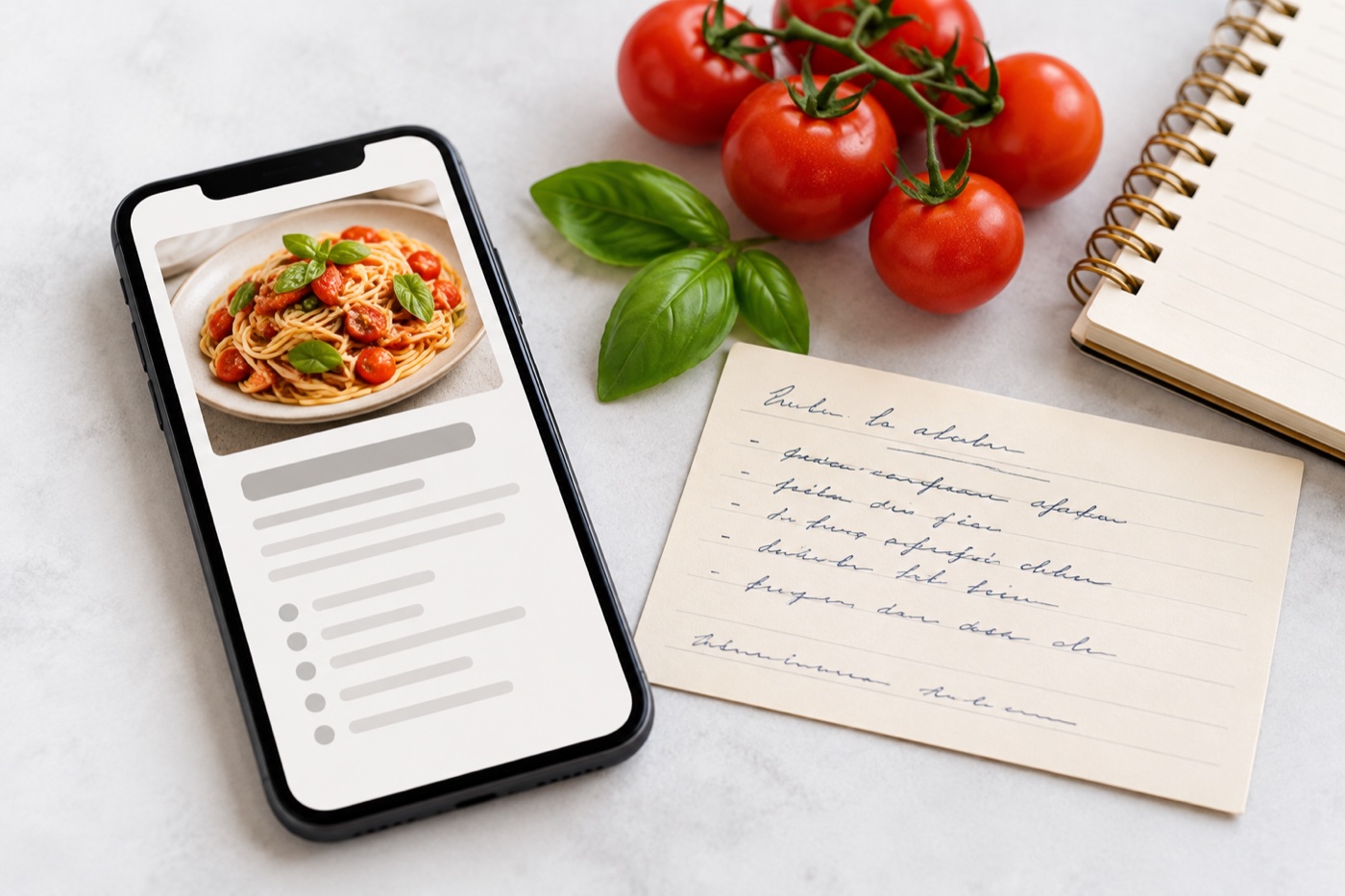
AI-generated editorial illustration.
What Recime is (and isn't)
Recime is a recipe collection app. Its entire value proposition is reducing the friction between finding a recipe somewhere on the internet and having it stored cleanly in a personal library. It is not a meal planner, a grocery list generator, or a nutrition tracker. Those distinctions matter because people often discover Recime looking for one thing and get another.
The product is built around one central question: how do you save a recipe from anywhere with as few taps as possible? The engineering decisions that flow from that question — URL parsing, social APIs, OCR, share extensions — are what make Recime interesting as a technical product.
The three import methods
Recime handles recipe import through three distinct pipelines, each designed for a different source type.
When you paste a URL from a recipe website, Recime fetches the page and looks for structured data embedded in the HTML. Most major recipe sites — AllRecipes, BBC Good Food, NYT Cooking, Serious Eats, and thousands of food blogs — mark up their recipes using schema.org/Recipe JSON-LD. This is a standard metadata format that explicitly tags the recipe name, ingredient list, instructions, cooking time, serving size, and nutrition information.
Recime parses this structured data directly. Because it's machine-readable and standardised, the extraction is fast and highly accurate on sites that implement it correctly. When structured data isn't present, it falls back to pattern matching against common HTML structures used by recipe plugins like Tasty Recipes and WP Recipe Maker — the most widely used recipe formatting plugins on WordPress, which powers the majority of food blogs.
Social recipe import is more complicated because platforms like TikTok and Instagram don't serve structured recipe data — they serve video or image posts with a caption. Recime uses a combination of approaches here depending on the platform.
For TikTok and Instagram, both platforms expose oEmbed endpoints: public APIs that return metadata about a post given its URL. Recime calls these to fetch the post title, caption, and description. The recipe is embedded in the caption as free text — "500g chicken breast, 2 tbsp soy sauce, 1 tsp sesame oil…" — and the app uses a language model to parse that natural-language text into a structured ingredient list and step-by-step instructions.
For YouTube, the process is similar but uses YouTube's Data API or the video description to extract the recipe if the creator has included it. Many popular food creators include the full recipe in the video description precisely because tools like this exist and they want their recipes to be saveable.
For cases where you have a screenshot — a Story you screenshot before it disappeared, a handwritten card, a photo of a printed recipe, a food blogger's image-format post — Recime uses Optical Character Recognition (OCR) to extract the text. On iOS, this is powered by Apple's Vision framework, which does on-device text recognition without sending your image to a server.
Once the raw text is extracted, it goes through the same language-model parsing as the social import: the app identifies which lines are ingredient quantities, which are preparation steps, and which are notes or headers. The quality depends heavily on the image quality and text layout. A clean printed recipe in a standard format works very well. A handwritten recipe in cursive, or an image with overlaid text at an angle, will produce less reliable results.
How the iOS share extension works
One of Recime's most-cited features is that it appears directly in the iOS share sheet — the menu that appears when you tap the share button in any app. This means you can be watching a cooking video on TikTok, tap Share, tap Recime, and have the recipe saved without ever leaving TikTok. That seamless flow is built on a specific iOS feature called a Share Extension.
What a Share Extension actually is
A Share Extension is a separate mini-application packaged alongside the main app. Apple requires developers to build it as a distinct Xcode target — it runs as its own process, in its own sandbox, and communicates with the main app only through a shared storage mechanism called an App Group. This is why you see the Recime save sheet appearing as a small overlay on top of TikTok rather than switching to a different app: the extension is running independently, overlaying the calling app.
The share extension must be registered in the Info.plist with activation rules that tell iOS when to show it. Recime registers for NSExtensionActivationSupportsWebURLWithMaxCount and NSExtensionActivationSupportsWebPageWithMaxCount, which means it appears whenever a URL is being shared — which covers every social media post and every website link.
The recipe extraction backend
Not everything happens on-device. For URL and social imports, Recime sends the URL to a backend server that handles the fetching and parsing. This is necessary because mobile apps have limited ability to make cross-origin web requests, and because the language model that parses caption text into structured recipes runs server-side.
The server pipeline roughly follows this flow for a social URL:
TikTok URLs follow tiktok.com/@user/video/..., Instagram follows instagram.com/p/.... The server checks the URL structure to determine which pipeline to use.
For TikTok: GET https://www.tiktok.com/oembed?url=[encoded_url] returns a JSON object with the author name, post title, and thumbnail. The caption is sometimes in the title field. For Instagram: GET https://api.instagram.com/oembed?url=[encoded_url] returns similar metadata. Both are public endpoints that don't require authentication for basic metadata.
The raw caption text is passed to a language model (typically a fine-tuned version of a GPT-class model or similar) with a structured prompt: "Extract the recipe from this text. Return JSON with title, ingredients array, steps array, servings, and prep time." The model handles variations in how creators write their captions.
The server validates the JSON response, checks for required fields, and returns a clean payload to the app. If the extraction fails — the post is a non-recipe video, the caption has no ingredient list — the server returns an error and the app notifies the user.
Where Recime's approach runs into limits
Social posts without recipe text in the caption
Many food creators on TikTok post a video of them cooking but don't include the full recipe in the caption. They might put "recipe in bio" or link to an external site. In these cases, Recime can't extract a recipe directly from the post. Some creators deliberately withhold the recipe from the caption to drive traffic to their website, which means the import will fail or return incomplete data. Recime handles this by falling back to any linked URL in the bio or description, but it's not always successful.
Platform API restrictions
Social platforms periodically tighten what their oEmbed endpoints return, or block third-party scrapers. Instagram's oEmbed API has gone through several access changes. If a platform changes its API response format, Recime's extraction breaks for that platform until the server-side parser is updated. This is a maintenance burden that affects all recipe-saving apps that rely on social platforms, not just Recime.
Using oEmbed APIs for metadata retrieval is generally permitted by platform terms of service for legitimate app development. Scraping full post content or bypassing platform restrictions is a different matter. Apps in this category walk a careful line between what platforms permit and what users want — and that line can shift with platform policy updates.
Screenshot quality and layout
OCR quality degrades significantly with low-resolution images, unusual fonts, text at an angle, or recipes embedded in images with complex backgrounds. A screenshot of a TikTok comment thread where someone posted a recipe in pieces, with replies interspersed, is likely to produce garbled output. The more a recipe looks like a standard printed format, the better the extraction performs.
No meal planning downstream
Recime's pipeline ends the moment the recipe is saved. There is no system for taking your saved collection and building a weekly meal plan from it. No macro calculation, no grocery list generation, no scheduling. The app is an input device, not a planning system. For users who want the full loop — save recipes, plan meals, shop, track nutrition — a separate app is required.
How this compares to what other apps do
| Feature | Recime | Kenji Meals | Paprika | Whisk |
|---|---|---|---|---|
| URL import (schema.org) | ✓ | ✓ | ✓ | ✓ |
| TikTok / Instagram import | ✓ via oEmbed + AI | ✓ via oEmbed + AI | ✕ | ✕ |
| Screenshot OCR | ✓ Vision + AI | ✓ Vision + AI | ✕ | ✕ |
| iOS share extension | ✓ | ✓ | ✕ | ✕ |
| AI recipe extraction | ✓ | ✓ | ✕ Pattern match only | ✕ |
| Meal planning | ✕ | ✓ AI-built | Manual only | Manual calendar |
| Macro tracking | ✕ | ✓ | ✕ | Basic |
| Grocery list generation | ✕ | ✓ Auto | ✓ | ✓ |
The bigger picture: what recipe-saving apps get right and wrong
Recime solved a real problem. Before apps like it existed, "saving" a TikTok recipe meant screenshotting it, hoping you'd find it later, and then frantically searching your camera roll at 6pm on a Tuesday. The share-sheet import workflow that Recime popularised genuinely changed how a lot of people interact with recipe content online.
The gap it leaves is the natural next question: now that I've saved it, what do I do with it? A recipe in a library doesn't help you eat better unless you actually use it. Turning a collection of saved recipes into a structured week of meals that hit your macros, cost what you expect at the supermarket, and take the time you actually have — that's the harder problem, and it's where pure recipe-savers like Recime stop.
The apps that solve the full loop combine the import pipeline Recime is built around with an intelligent planning layer on top. The recipe capture step is now table stakes. What differentiates apps in 2026 is what happens after you save.
Save from social. Plan the week. Sorted.
Kenji imports from TikTok, Instagram, URLs, and screenshots — then builds a full macro-accurate weekly meal plan with a grocery list. One app for the whole thing.